Brusshy
Brusshy is an open-source logo studio that AI agents design on. One command opens a canvas in the browser; Claude Code, Codex, Gemini, Grok, Cursor or any MCP client draws the logo there while you watch, point at parts and leave notes.
Language models can already write an SVG. Asked for a logo, they return one in about thirty seconds, and it tends to look like clip art: the category's first idea, hairlines that vanish at favicon size, and no second pass.1 Brusshy is built for that gap.
A logo is a hundred small decisions: which idea, which grid, how thin a line can get before it vanishes at 16 px, where the optical centre is, when to stop. Designers make them without noticing; an agent makes none of them unless something asks. Brusshy writes those decisions down, as tools and as a skill, so the agent has to make them, in view of the person it is working for.
Getting started
You need Node.js 20 or newer and an AI client that supports MCP.
1. Install the design skill:
npx skills add mavsy11/brusshy -g
2. In your project folder, connect your AI to the canvas:
npx brusshy init
3. Open your AI in that folder and ask for something small: one mark, one brand, one use.
Design a logo for Kiln & Co, a ceramics studio that sells handmade tableware. A monogram K that hints at a kiln or a pot, earthy and crafted but not rustic-cliché. One color, terracotta.
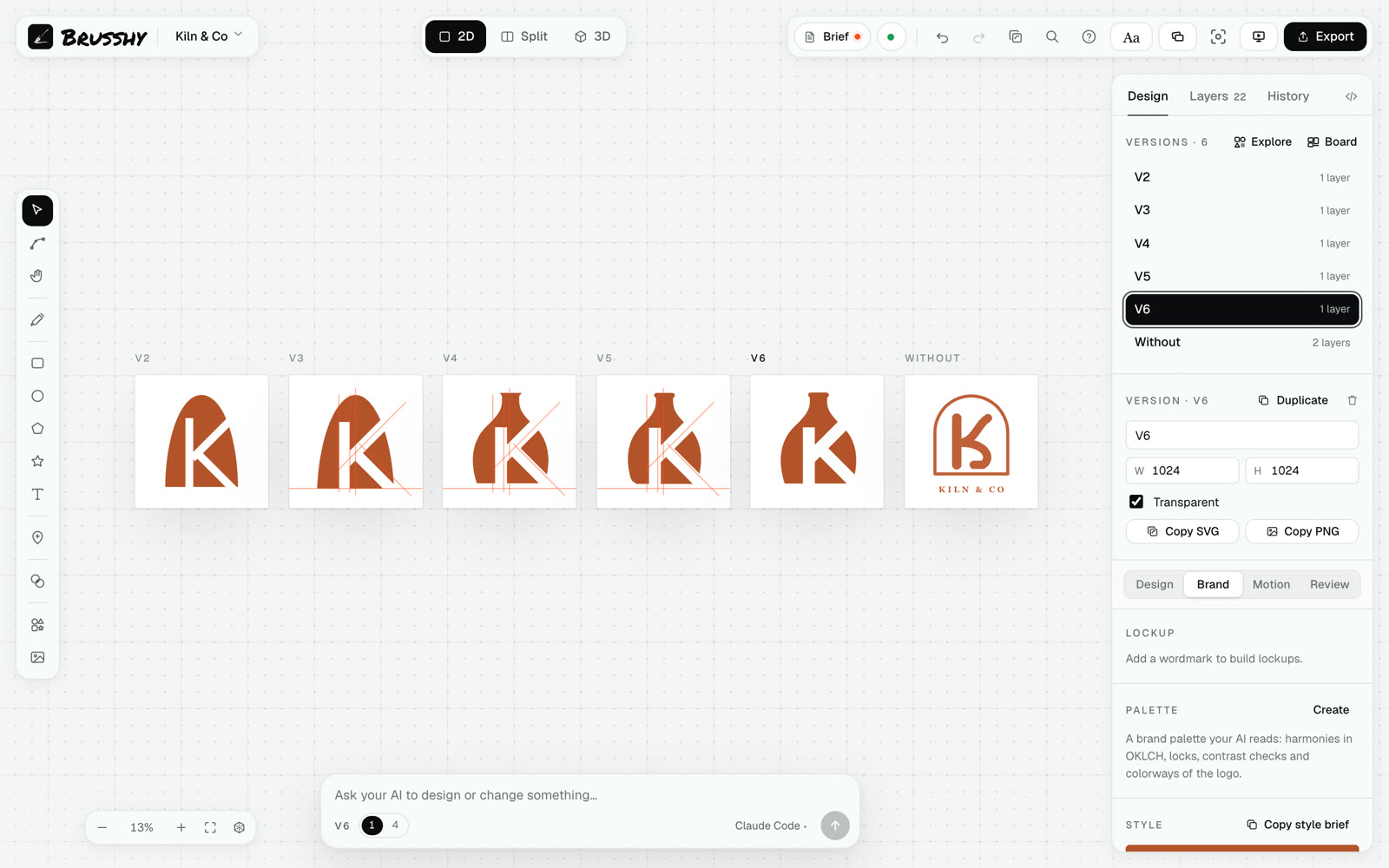
Your AI opens a blank canvas in your browser when it starts designing. You watch the logo appear live and can edit it by hand at any point.
The agent reads the design skill and first names the cliché it has to avoid (here, a K inside an arch). It sets up a construction grid and draws versions side by side on the canvas, looking at a render after every change. Before reporting back, it checks the mark at 16 px and on dark, scores its own idea, and keeps the strongest version, which isn't always the latest. The result is a set of named parts and real paths you can keep editing.
init sets up Claude Code, Cursor and any of Gemini, Antigravity, Codex or Grok you have installed, and prints the steps for the rest. To open the canvas yourself, run npx brusshy. Everything stays in your project folder: logos, references, exports. Brusshy has no hosted service and no account; it runs on your machine, and the AI runs on your own plan.
It won't nail it in one shot. In the test further down it took three to five minutes per logo, and one brief was only a close call. Expect a round or two of notes.
What's in it
- Studio
- The canvas in your browser: versions side by side, a technique explorer, before and after compare, notes pinned to parts, parts you lock so the AI leaves them alone, a chat that takes pasted images, 2D and 3D views.
- Design skill
- The process, the craft rules, 21 construction techniques and how to critique, in
skills/logo-designer-studio-brusshy. It's plain Markdown, so you can read it and change it. - MCP tools
- About sixty tools the agent uses to draw, edit, look, check and export. They work with any MCP client.
- Input
- A sketch, a board of up to twelve references, brand files, and photos or old logos traced to vectors on your machine.
- Type
- About 2,000 open-licence families with their variable axes, OpenType features and alternates, kerning, lettering where each letter is its own shape, and warps.
- Brand system
- Lockups with clear space and a minimum size, an OKLCH palette with colorways and contrast checks, entrance and loop animations, 3D materials.
- Shapes
- 241 parametric shapes and 1,432 open-licence symbols to start from and change.
- Checks
- The small-size check, the craft critique, and mockups on nine real surfaces.
- Exports
- SVG, PNG, favicon and app-icon kits, brand kit PDF, construction sheet, timelapse, 3D renders and GLB, animated SVG, GIF and MP4.
The canvas
You can sketch a rough idea, drop in references, pin a note on the exact part to change, or lock a part to keep. The agent sees all of it and answers on the canvas.
Make it yours
The agent's last version is where the logo starts being yours. Every part is a real path: drag its nodes, bend or twist it, round a corner, swap a letter for one of the font's alternates, or add a shape of your own. Two people who give an agent the same brief can get similar marks; the hand pass is where they stop looking alike.
Brusshy reads your edits as decisions. The next tool result tells the agent what you changed, and it keeps those parts as they are. Lock a part and the agent can't touch it at all.
What the skill teaches
One idea, drawn with craft and made unique, every detail yours to personalize, that still reads at 16 px in one color.
AI logos fail in predictable ways, and the skill names each one:
- The category cliché: a fox head in a round badge, a compass for navigation, rings for water, a bolt for energy.
- Several ideas in one mark, none of them finished.
- Hairlines and small text that disappear at favicon size.
- Gradients first, with no flat version underneath.
- Default type with default spacing.
Most of the skill is about the first one. Before drawing, the agent has to name the obvious logo, then find a twist only this brand could have. Below, the Kiln build, replayed from the document's history.
The skill is a folder of Markdown files. SKILL.md holds the loop described further down; the references hold the detail:
- Process
- Discovery questions, ways to generate concepts, directions versus variants, and the order to refine in: silhouette, construction, detail, color, wordmark, then the system.
- Craft
- Construction grids, optical corrections, one weight and corner family, color, wordmark spacing, small sizes, and the tells of a generated logo, like a purple glow or sparkles to mean AI.
- Techniques
- 21 constructions: 13 for letters (stencil, interlock, negative space, dot swap) and 8 for symbols (radial repeat, circle construction, a silhouette with a cutout). The agent can run one subject through several, one technique per version.
- Critique
- Two scores, craft and concept, a checklist, and the stranger test.
- Tools and prompts
- Which tool does what, and requests worth trying.
How a logo is built
A document holds versions, and every part of a version is a named node that can be selected, edited or locked. The agent never overwrites a version it wasn't asked to change; it duplicates it and pushes on the copy. A typical pass:
get_document      // read the brief and what's on the canvas
add_construction  // grid first: circles, angles, keylines
set_svg           // draw the mark as named, editable parts
render_preview    // look at it, every time
duplicate_frame   // push the idea on a copy
check_small_sizes // 16, 24, 32, 64 px on light and dark
critique          // craft score, then its own concept score
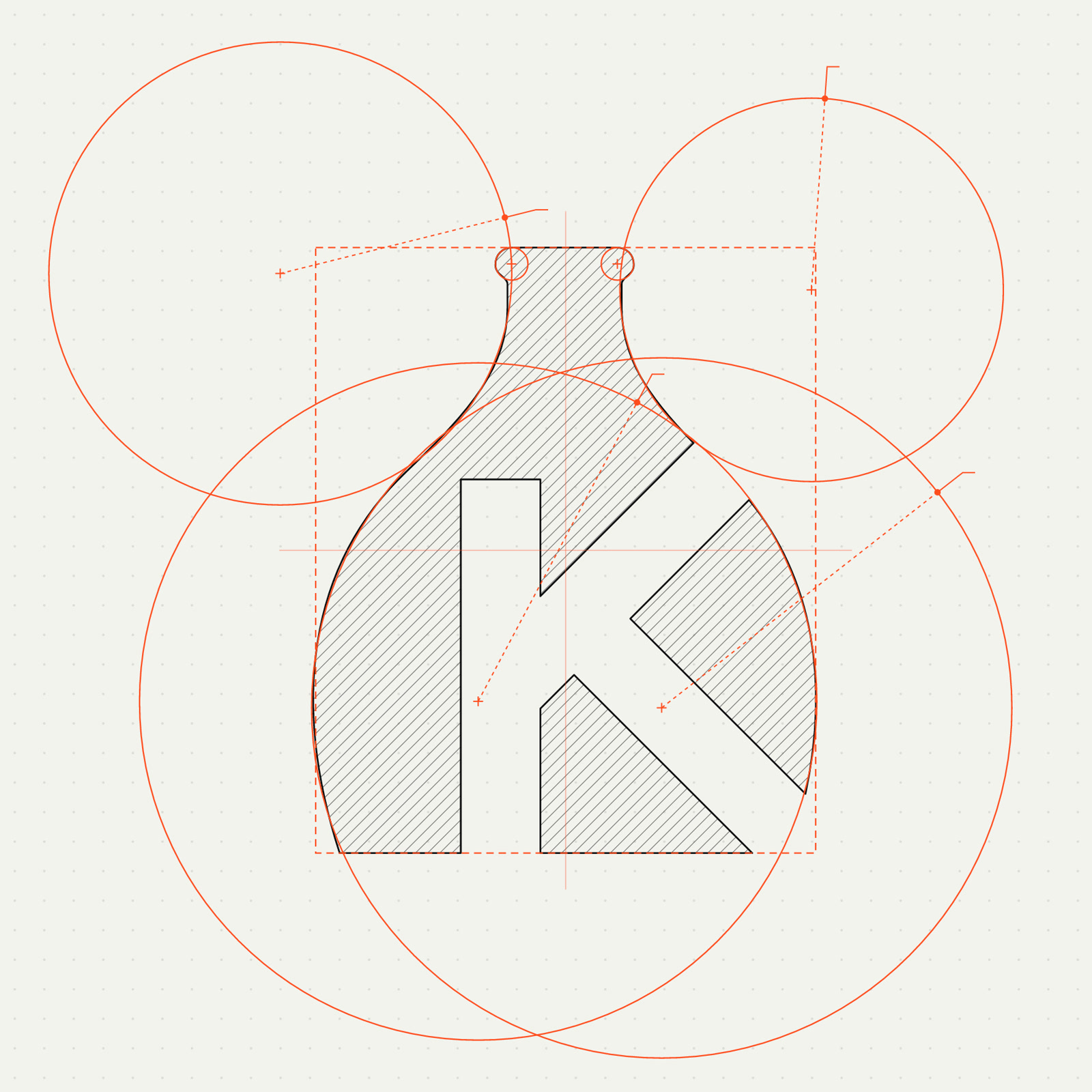
Construction comes first: circles, angles and keylines before any drawing. The construction sheet export shows the mark on its grid.
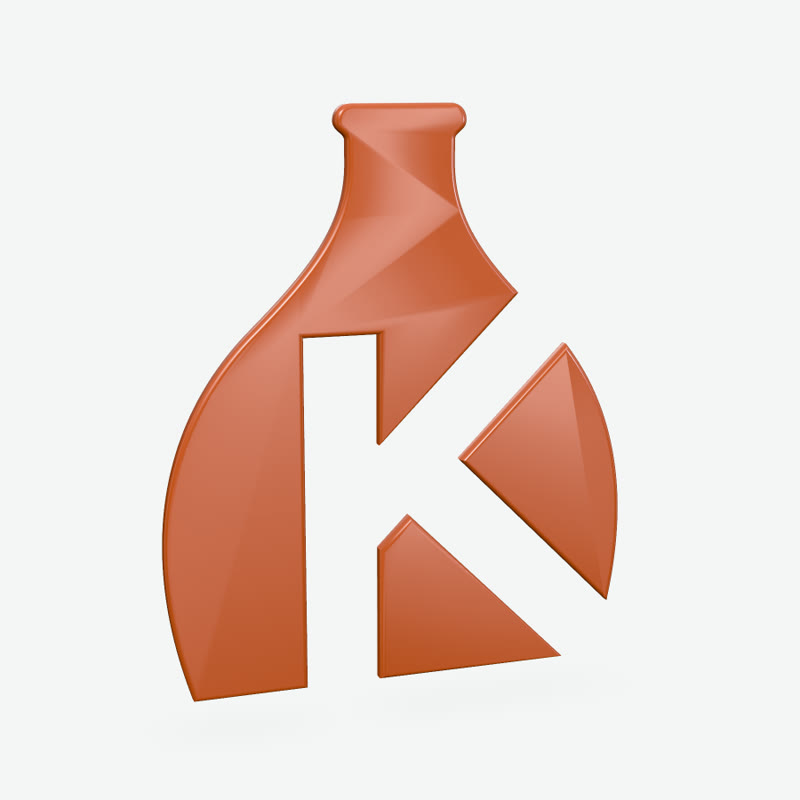
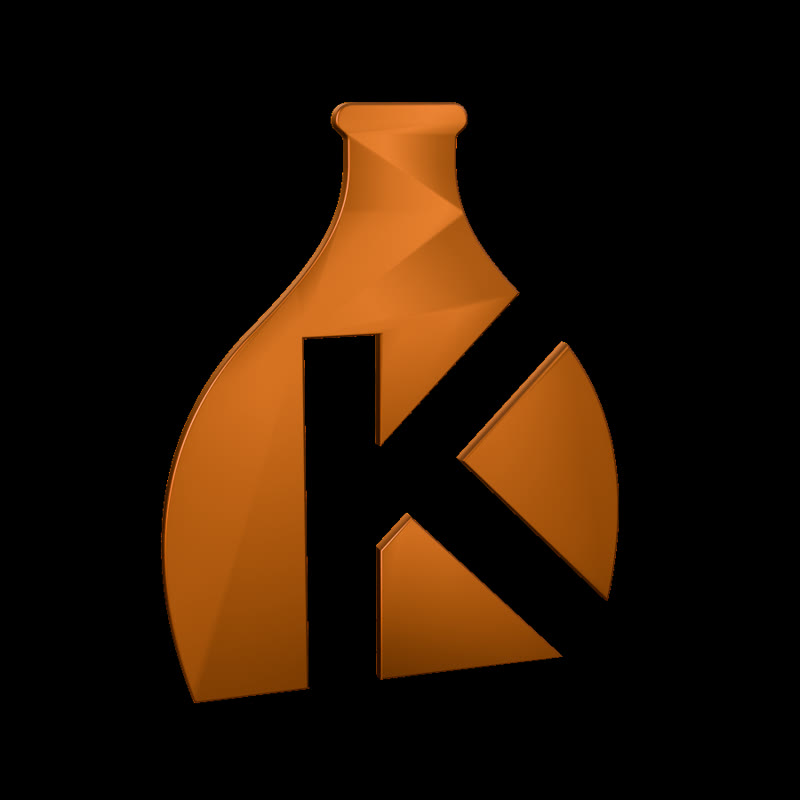
One set of paths feeds the colorways, the light and dark versions and the 3D materials, so a change to the mark reaches all of them.
How the agent works
The skill's loop has six steps.
| Step | What happens |
|---|---|
| 1. Read | The brief (subject, use, style, palette, type, what to keep and what to avoid), brand files, sketches, references and locked parts. |
| 2. Idea | The category cliché, named first. Then one sentence: what this mark says that a competitor's couldn't. |
| 3. Draw | A construction grid, then clean geometry in named parts. Push it at least twice, each time on a copy, and keep the stronger version even when it's the earlier one. |
| 4. Look and check | A render after every change. Before reporting: 16 to 64 px on light and dark, the critique, its own concept score and the stranger test. A concept under 80 goes back to step 2. |
| 5. Hand back | Your edits and locked parts stay as they are, and every note it acts on gets a reply. |
| 6. System | Lockups, palette, type, motion and mockups, only when asked. |
Why checks matter
An agent checks its work by reading its SVG back, and an SVG always reads fine. Logos fail where nobody looks: at 16 px in a browser tab, in one color, on a dark header. Brusshy renders the logo at those sizes and measures it. Below, the Kiln mark made without Brusshy, run through the same check:
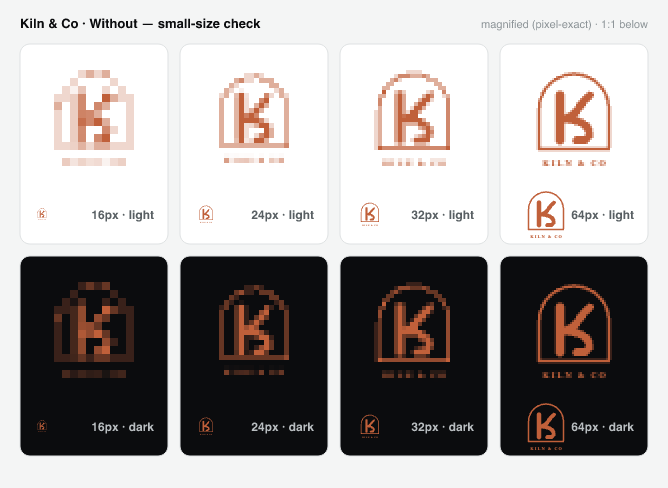
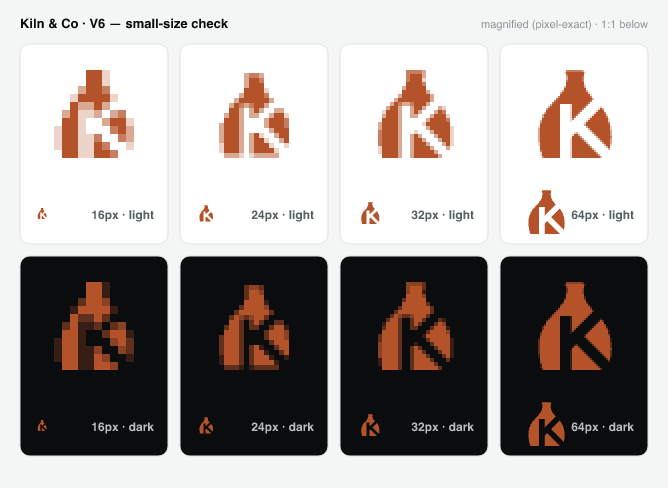
The critique puts numbers on it: 76 for craft on the version without Brusshy, with eight findings marked on the render, and 98 on the final version.
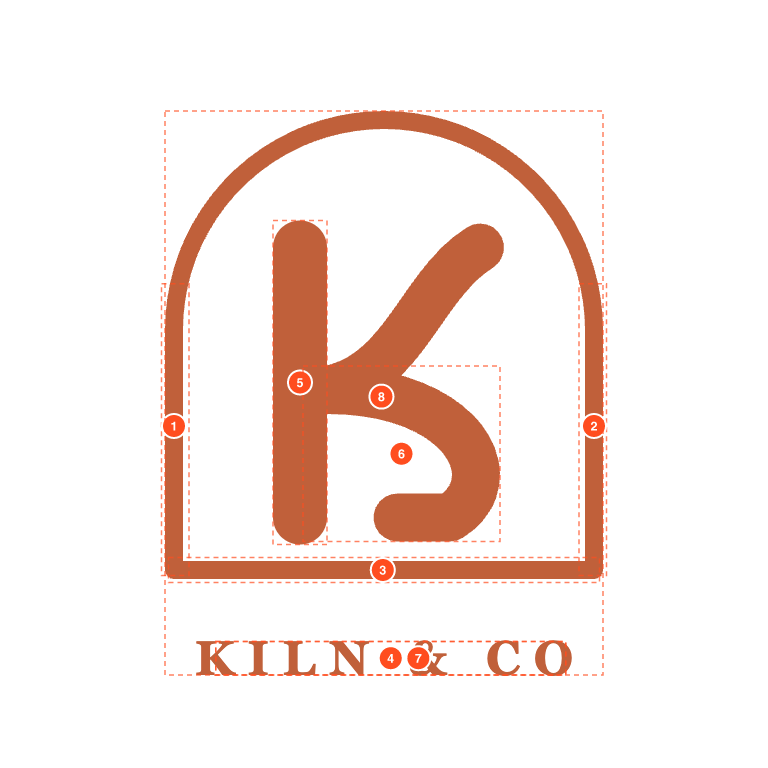
The checks only measure craft. They gave that clip-art K a perfect complexity score, because a K in an arch is simple. Judging the idea is left to the agent: the skill makes it give its own concept score and describe the 64 px render in three plain words, as a stranger would. If the words don't name the idea, the idea isn't reading.checks can't see ideas
Making Brusshy
Brusshy was tested the boring way. The same brief went to a fresh agent twice, once without Brusshy and once with it: same model, nothing else in the context. Five briefs, three rounds. After each round the skill changed, never the briefs, and the round ran again.
Round one was roughly a draw. Round two made the agent name the cliché before drawing and score its own concept; the ideas improved, but two became too clever to read. Round three added two rules: keep the strongest version, not the latest, and describe the small render in three plain words. The results are below: four clear wins and one close call.
Brusshy is free to use. Your AI plan pays for the extra work: a logo without it took about half a minute and six cents at API prices; with it, three and a half minutes and a dollar. That is the cost of looking at the work and doing it twice.


Both are foxes in a circle, as the brief asked. The Brusshy version adds a cream S down the face, the groove of a coffee bean, which ties the fox to a roaster.
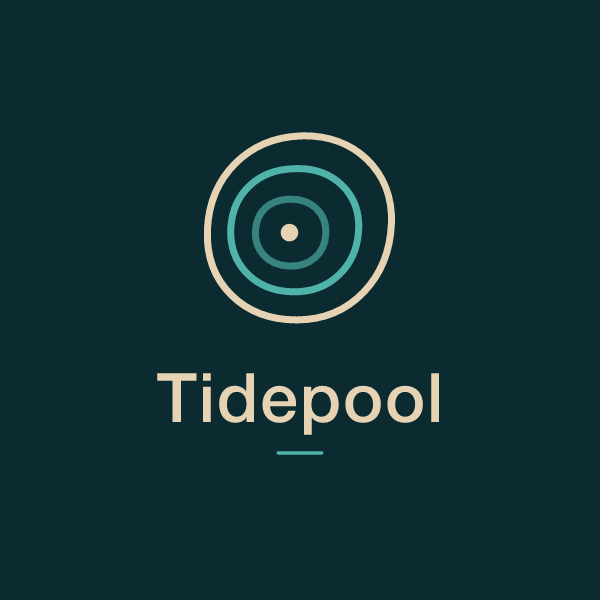
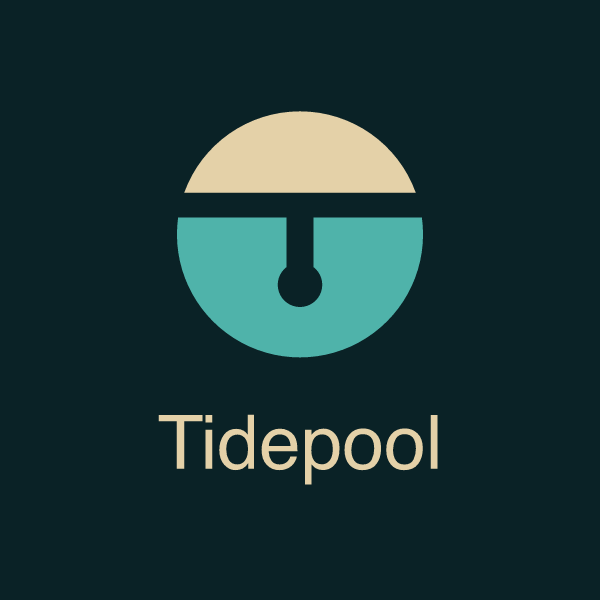
Close call. A sensor dipping below the waterline is more specific than concentric rings, but at a glance it can read as something else. A small win at most.
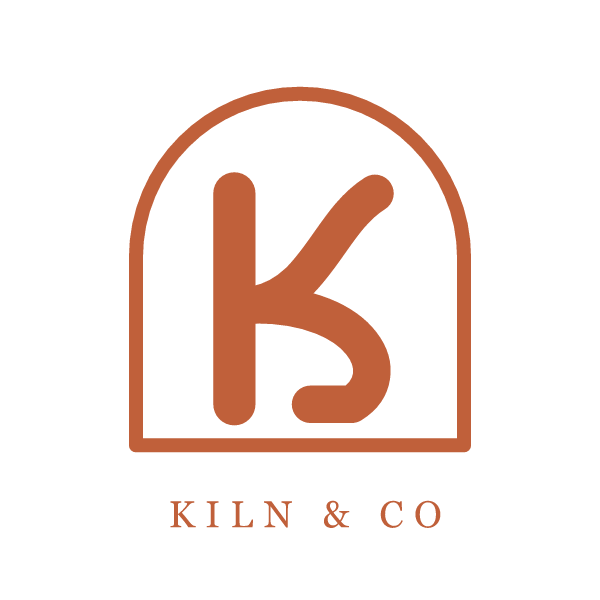
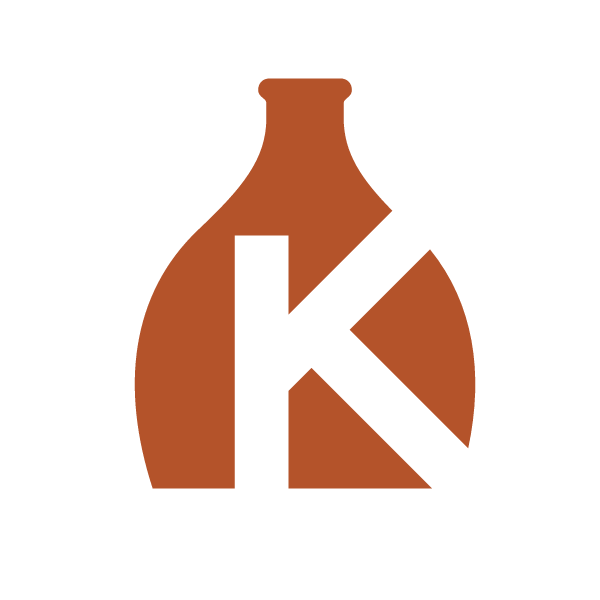
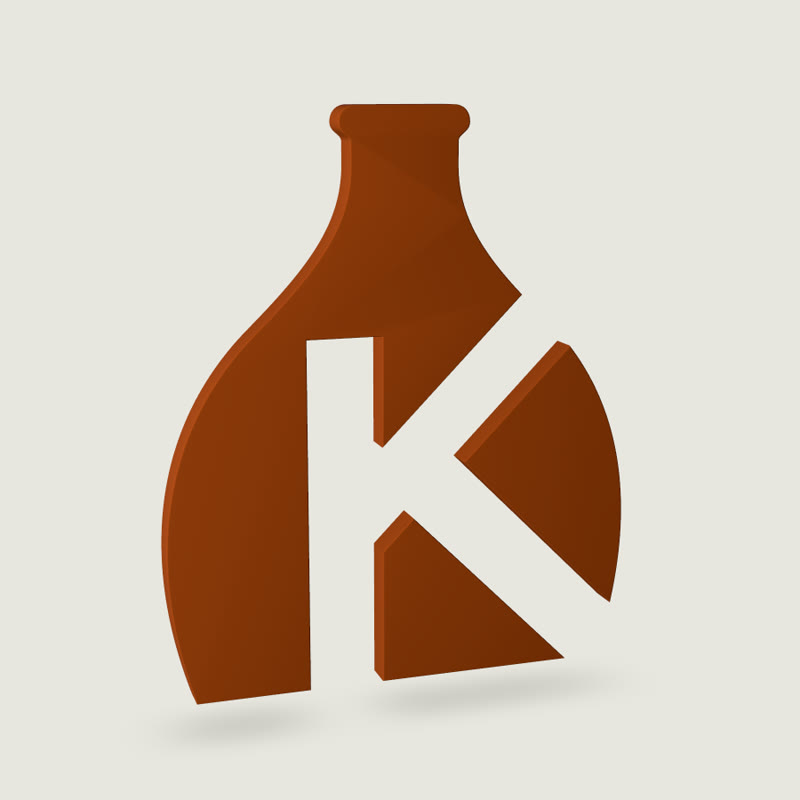
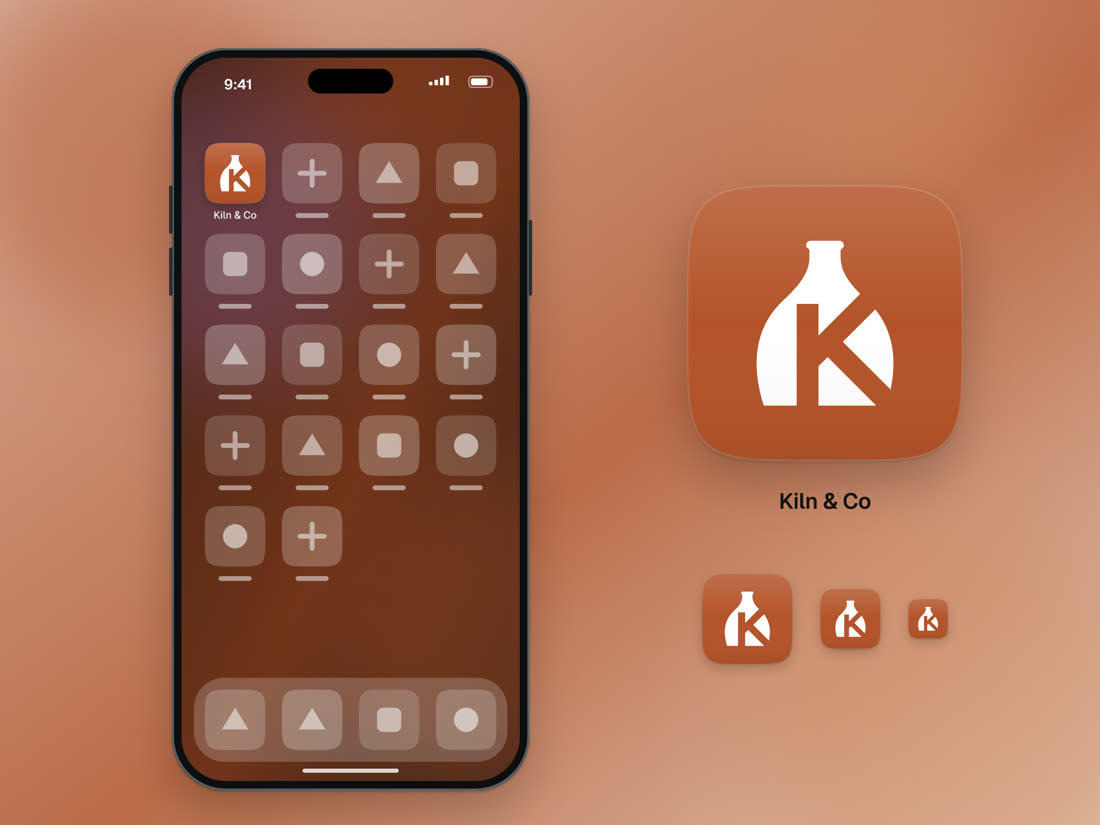
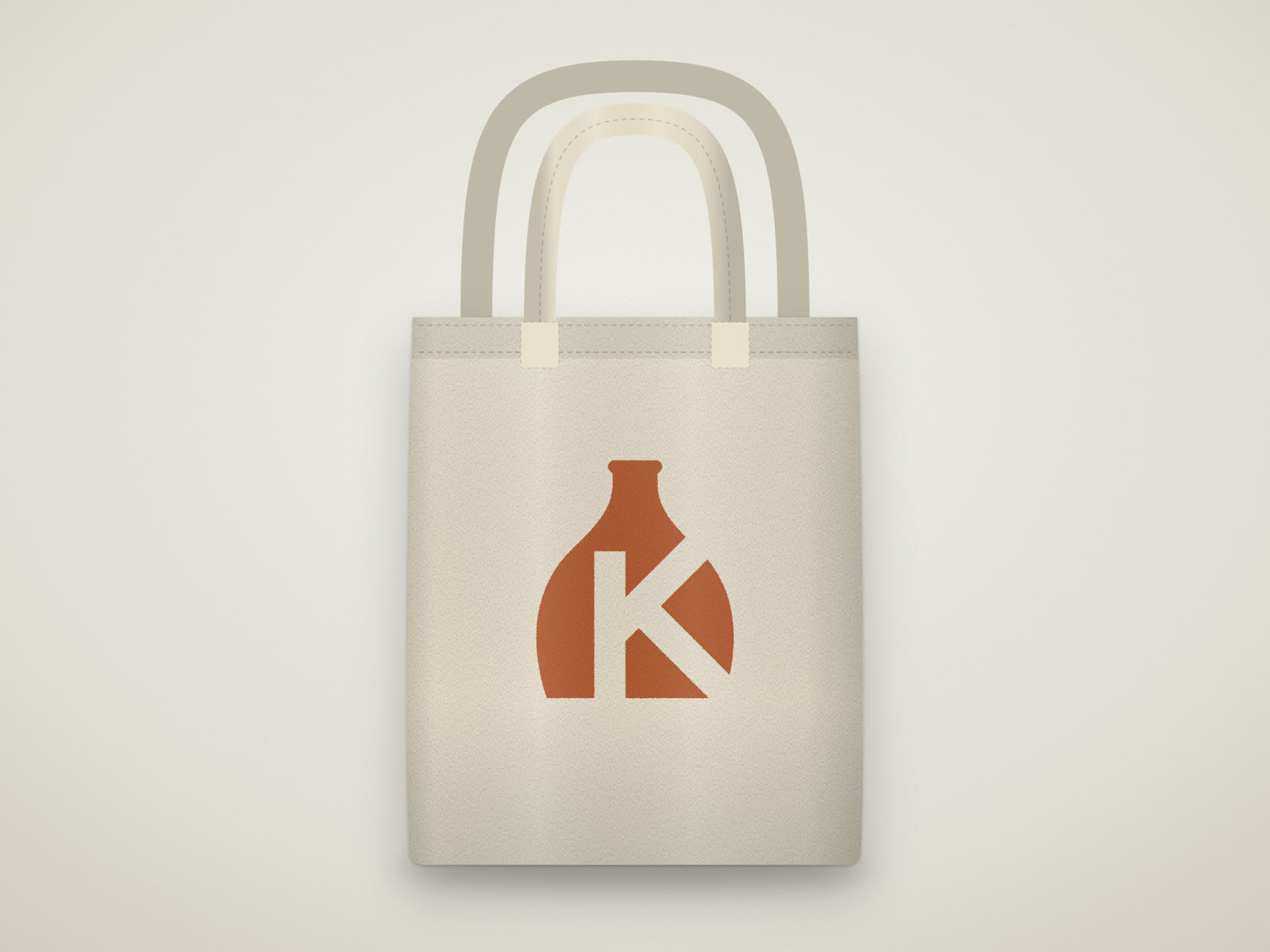
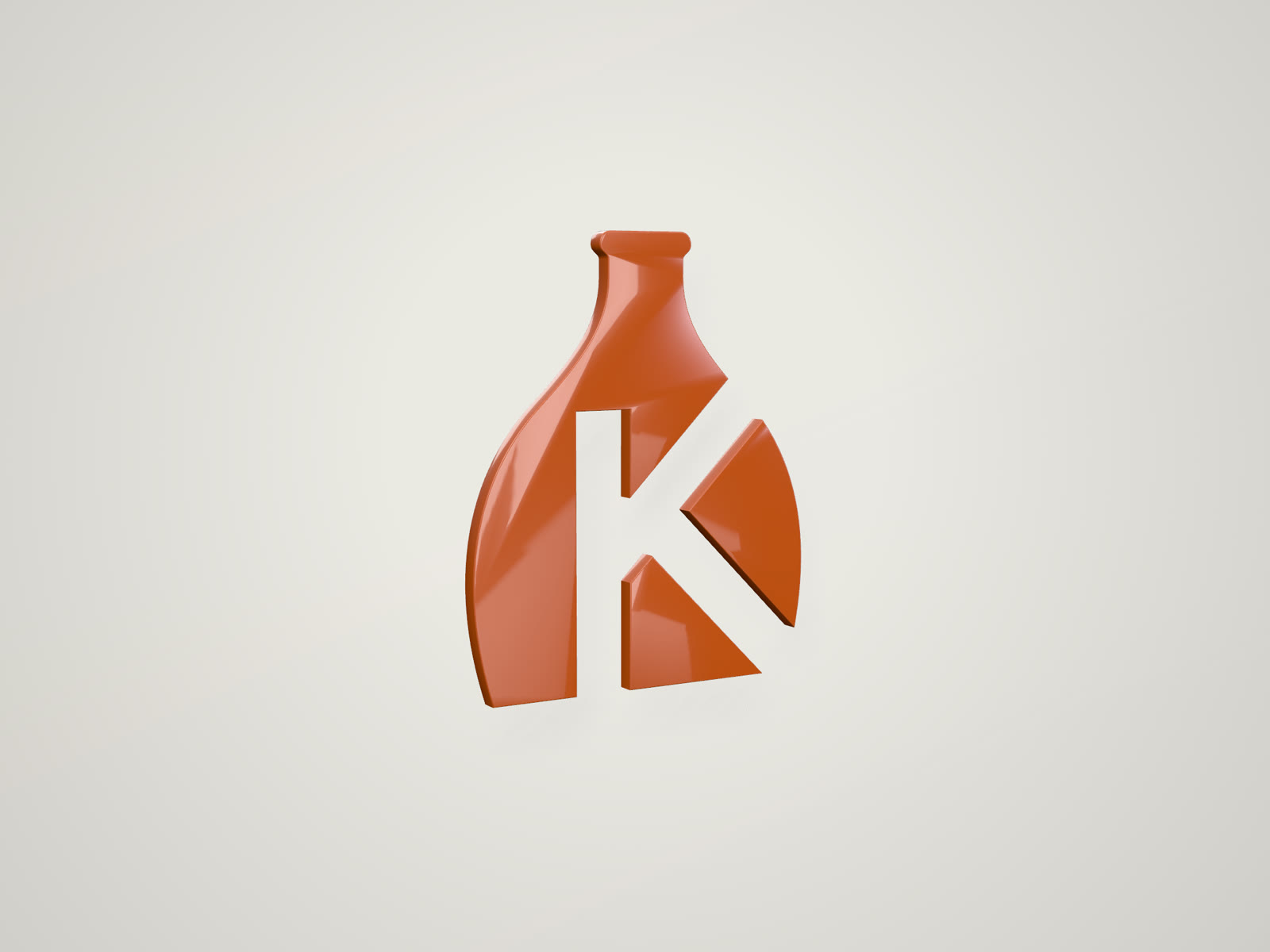
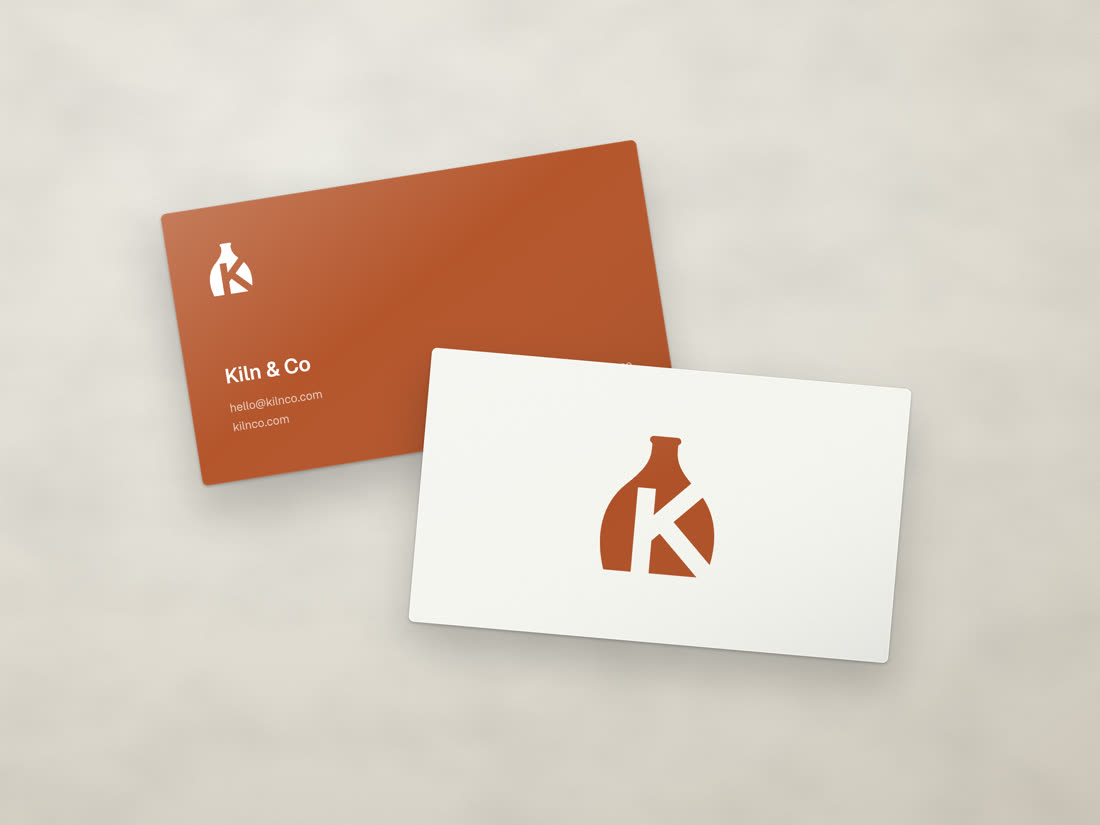
The clearest win. Without Brusshy: a letter in an arch with a tracked-out caption that vanishes at 16 px. With it: the K cut out of a jar, one shape in one color that reads at favicon size.
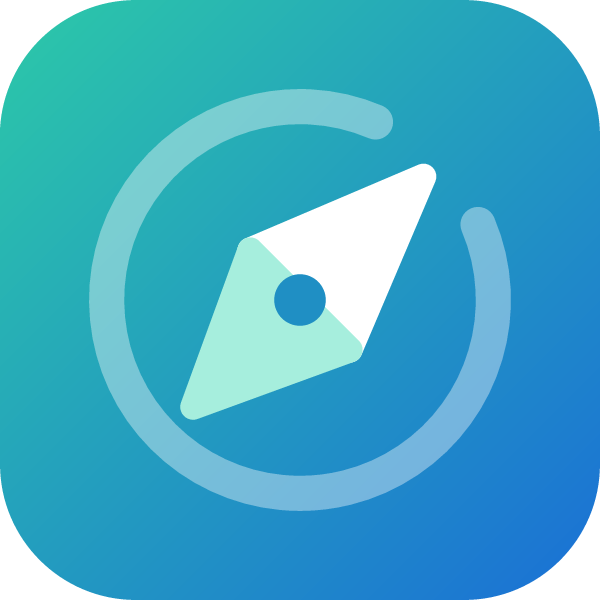
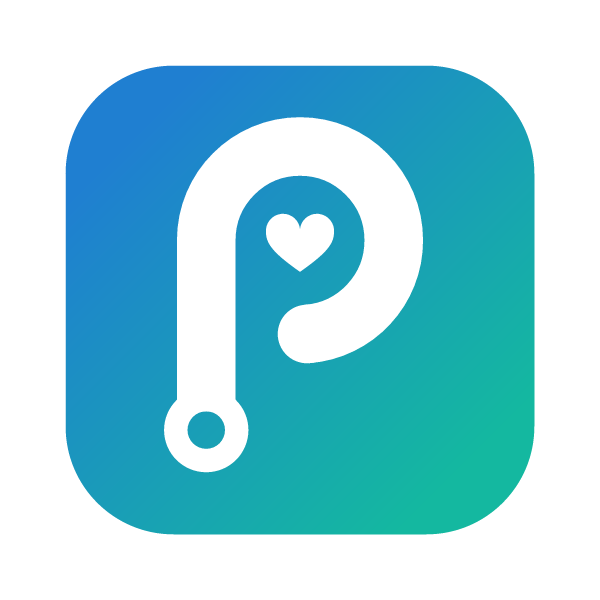
The compass is the icon of every maps app. The P drawn as a route, with a heart in its counter, says path, care and the name at once.
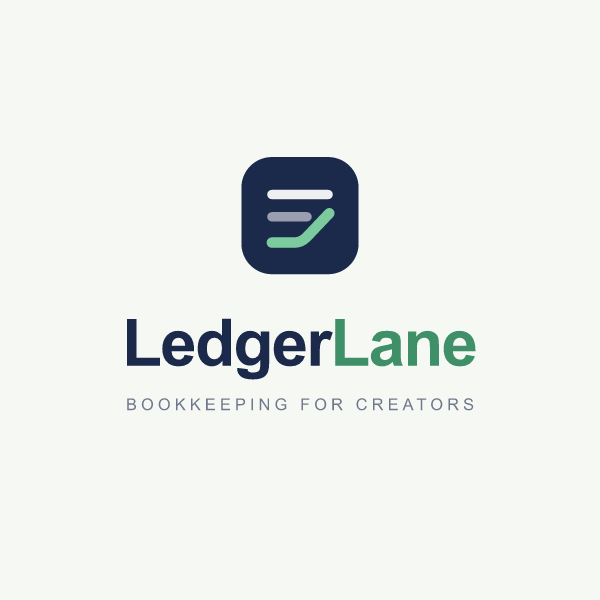
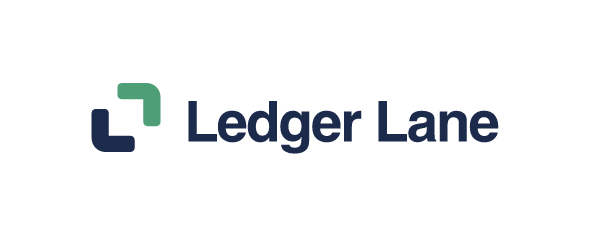
A document icon is the finance cliché. Two L corners that meet like a lane are quieter, carry the initials, and survive as a favicon.
Gallery
The mockups view puts the logo on nine surfaces, and one export saves them all. Mockups catch what the artboard hides: an app icon among other app icons, a mark on fabric, a sign across a street.
What it won't do
- The checks catch mistakes, not dull ideas. You still have to look.
- It's built for vector marks: symbols, monograms, wordmarks and lockups. It won't paint a detailed illustration or a photo.
- Quality follows the model you connect.
- Type is limited to open-licence fonts (Google Fonts and Fontsource, plus Geist Serif). Bring a commercial font as outlined SVG.
Why it's open source
Models may one day carry this kind of taste on their own, and a tool like this won't be needed. Until then, the taste is written down where anyone can read it and change it, which is why Brusshy is open source.2
npx brusshy
Brusshy is free and open source under the MIT license. The code, the docs and the skill are on GitHub.